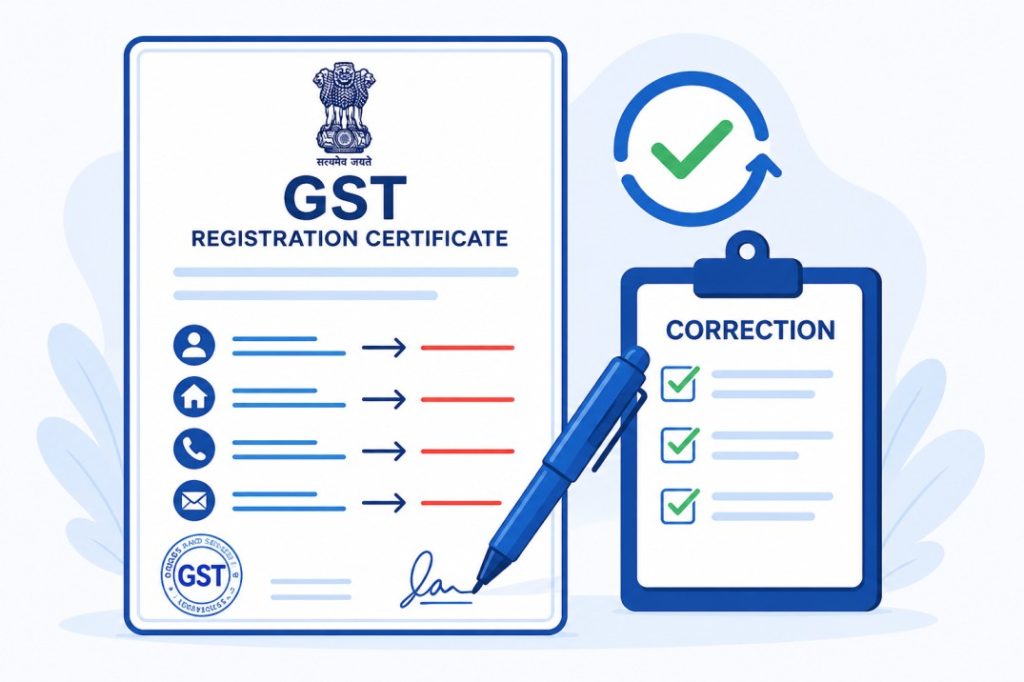

Aksar log confuse ho jaate hain ki GST Certificate me correction kaise kare. GST registration complete hone ke baad kai baar certificate me naam, address, mobile number, email ya business details me galti nazar aati hai.
GST Portal par GST Certificate Correction ka direct option nahi hota. Correction karne ke liye GST Registration Amendment process use karna padta hai.
Agar ye mistakes time par correct na ki jaayein to future me GST compliance, verification aur business-related kaam me problems aa sakti hain.
Is complete Hinglish guide me hum aapko GST Certificate correction process step-by-step samjhayenge.
Saath hi hum cover karenge:
- GST Certificate correction kya hota hai
- Kaunsi details update ki ja sakti hain
- Required documents kya hain
- Online correction process kaise hota hai
- Common mistakes kaise avoid karein
Taaki aap bina confusion ke GST details update kar sako.
GST Certificate Correction Kya Hota Hai?
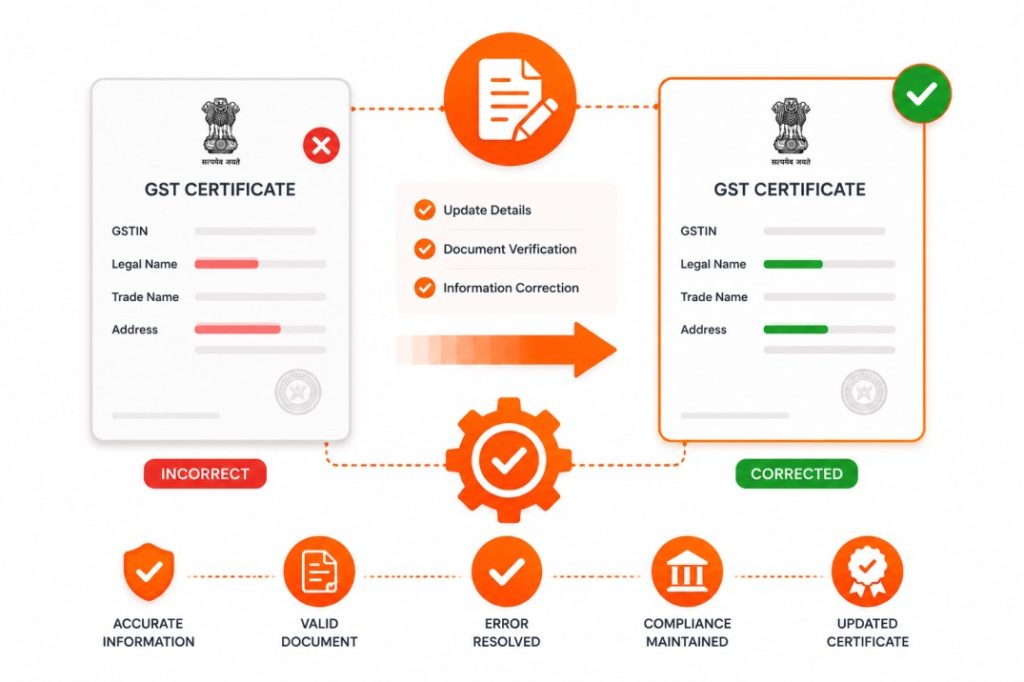
GST Certificate correction ka matlab GST registration me maujood galat ya outdated information ko update karna hota hai.
Agar registration ke baad kisi detail me change aa gaya ho ya registration ke waqt koi mistake ho gayi ho to correction request submit ki ja sakti hai.
GST Certificate Me Kaunsi Details Correct Kar Sakte Hain?
Situation ke hisaab se different details update ki ja sakti hain.
For example:
✅ Business Address
✅ Mobile Number
✅ Email Address
✅ Trade Name
✅ Additional Place of Business
✅ Authorized Signatory Details
✅ Business Information
GST Certificate Correction Kyu Zaroori Hai?
Accurate GST records maintain karna bahut important hota hai.
Benefits:
- GST records updated rehte hain
- Compliance issues avoid hote hain
- Notices miss hone ka risk kam hota hai
- Verification process smooth rehta hai
- Business information accurate rehti hai
GST Certificate Correction Ke Liye Kya Chahiye?
Process start karne se pehle ye details ready rakhein.
Required Details
- GSTIN Number
- GST Login Credentials
- Registered Mobile Number
- Updated Information
- Supporting Documents
Supporting Documents
Correction type ke hisaab se documents alag ho sakte hain.
- Address Proof
- Identity Proof
- Business Documents
- Authorization Documents
GST Certificate Me Correction Kaun Kar Sakta Hai?
Niche diye gaye users correction request submit kar sakte hain:
- Proprietors
- Partnership Firms
- Companies
- LLPs
- Startups
- GST Registered Businesses
GST Certificate Me Correction Kaise Kare?
Ab chaliye complete process step-by-step samajhte hain.
- Step 1: GST Portal Open Karein
Sabse pehle official GST portal open karein.
Hamesha official portal hi use karein.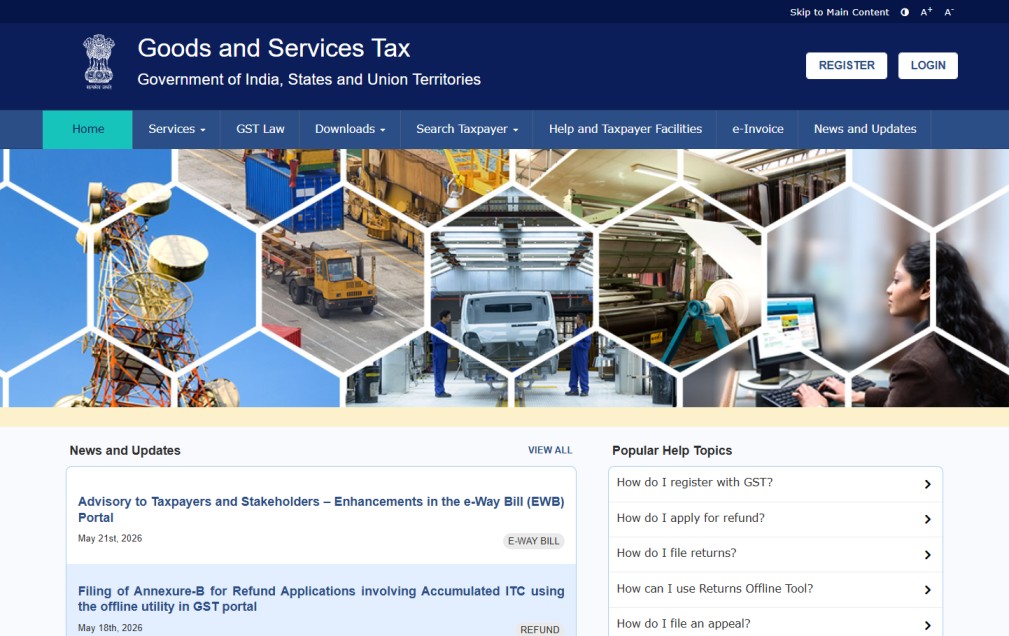
- Step 2: GST Account Login Karein
Ab:
1. Username
2. Password
3. Captcha
enter karke login karein.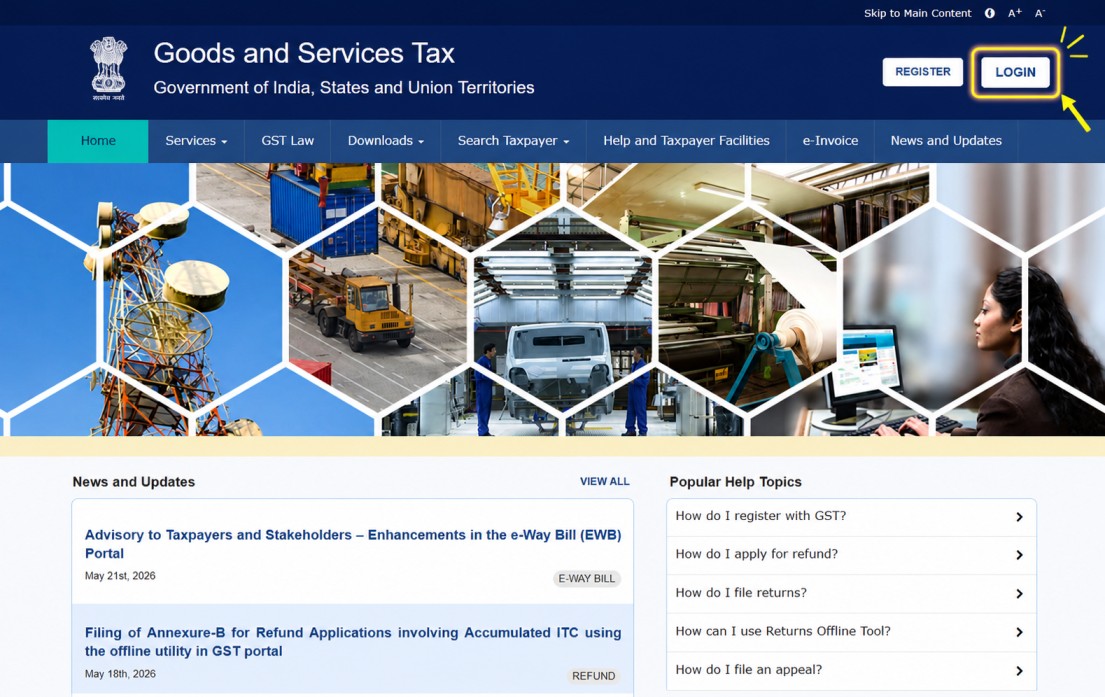
- Step 3: Services Menu Open Karein
Dashboard open hone ke baad:
✅ Services
option par click karein.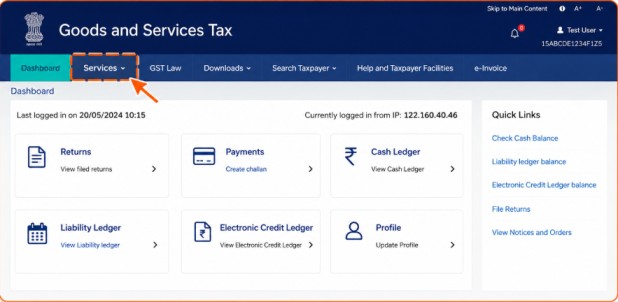
- Step 4: Registration Option Select Karein
Ab:
✅ Registration
Section open karein.
Yahi se amendment aur correction process start hota hai. - Step 5: Amendment Application Open Karein
Ab registration amendment ya correction related option select karein.
Business information update karne ke liye yahi section use hota hai. - Step 6: Required Details Update Karein
Ab jo information correct karni hai usse update karein.
For example:
1. Address
2. Email
3. Mobile Number
4. Business Details
Sab details carefully enter karein. - Step 7: Documents Upload Karein
Agar required ho to supporting documents upload karein.
Documents clear aur valid hone chahiye. - Step 8: Information Verify Karein
Submit karne se pehle:
✅ GSTIN check karein
✅ Updated details verify karein
✅ Documents review karein
Ye step future rejection avoid karta hai. - Step 9: Application Submit Karein
Ab correction application submit karein.
Portal request process karna start karega. - Step 10: Acknowledgement Save Karein
Successful submission ke baad acknowledgement ya reference number generate ho sakta hai.
Is number ko safely save rakhein.
GST Certificate Correction Karte Time Common Mistakes
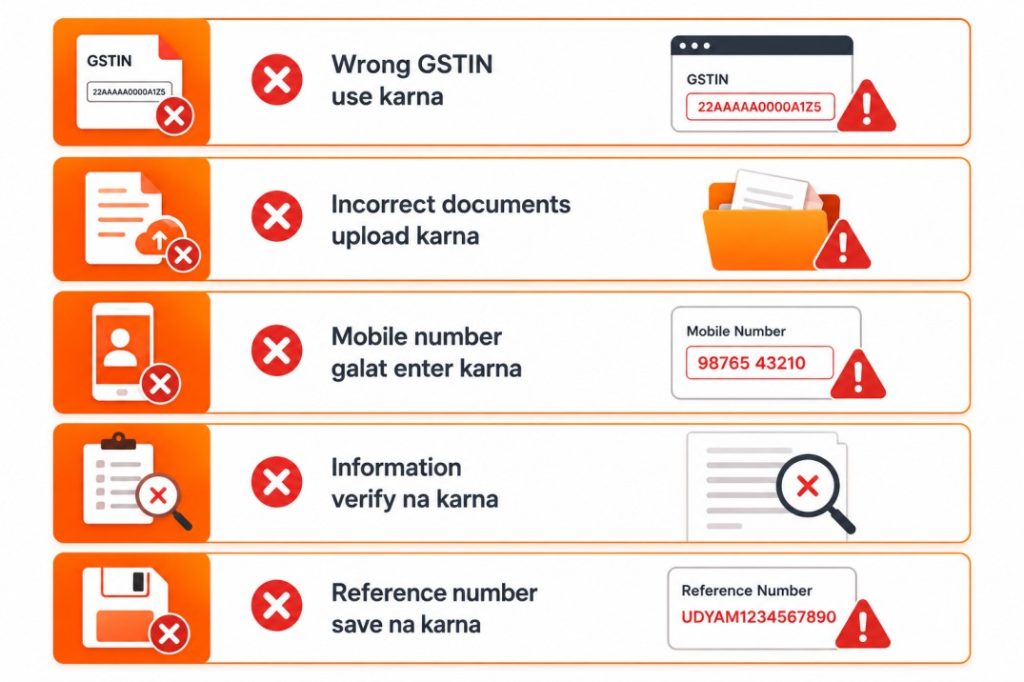
GST Correction Request Kitne Time Me Process Hoti Hai?
Processing time different cases me different ho sakta hai.
Ye depend karta hai:
- Correction type
- Verification requirements
- Submitted documents
- Department review process
Isliye application submit karne ke baad status monitor karte rehna chahiye.

Important Tips
- Official GST portal hi use karein
- Documents clear upload karein
- Mobile number active rakhein
- Details double-check karein
- Acknowledgement save rakhein
Aur sabse important, sirf genuine information hi submit karein.
Related Guides
Agar aap GST se related aur guides padhna chahte hain to ye articles bhi dekhein:
- GST Registration Kaise Kare? Full Step-by-Step Guide
- GST Login Kaise Kare? Complete Online Guide
- GST Number Verify Kaise Kare? Full Guide
- GST Return File Kaise Kare? Full Step-by-Step Guide
- GST Certificate Download Kaise Kare? Complete Guide
FAQs – GST Certificate Correction
Final Words (Conclusion)
Ab aap samajh gaye honge ki GST Certificate Me Correction Kaise Kare aur correction process me kin baaton ka dhyan rakhna zaroori hai. Agar aap correct documents aur accurate information submit karoge to process smoothly complete ho sakta hai.
Agar aapko GST Registration, GST Login, GST Return Filing ya GST Number Verification process bhi samajhna hai to FormSamajh ki related GST guides bhi zarur padhein.