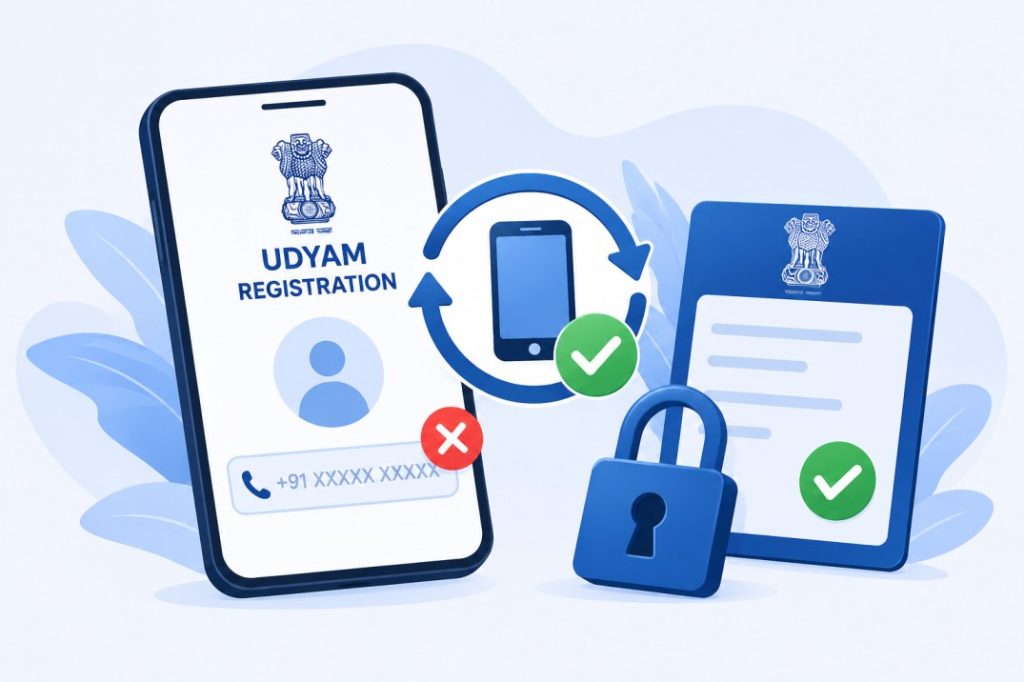

Aksar log confuse ho jaate hain ki Udyam Mobile Number Recover Kaise Kare? Udyam Registration ke time diya gaya mobile number band ho gaya ho, kho gaya ho ya access me na ho, to Udyam Registration kaise manage karein. Bahut se MSME owners ko ye problem face karni padti hai, especially jab certificate download, status check ya registration update karna ho.
Aur honestly, ye problem kaafi common hai. Kyuki Udyam portal par kai services OTP verification par depend karti hain.
Is complete Hinglish guide me hum aapko step-by-step samjhayenge:
- Udyam me mobile number kyu important hota hai
- Forgot mobile number situation me kya karein
- Recovery ke available options kya hain
- Important precautions kya hain
- Common mistakes kaise avoid karein
Taaki aap bina confusion ke apni Udyam-related services access kar sako.
Udyam Mobile Number Kyu Important Hota Hai?
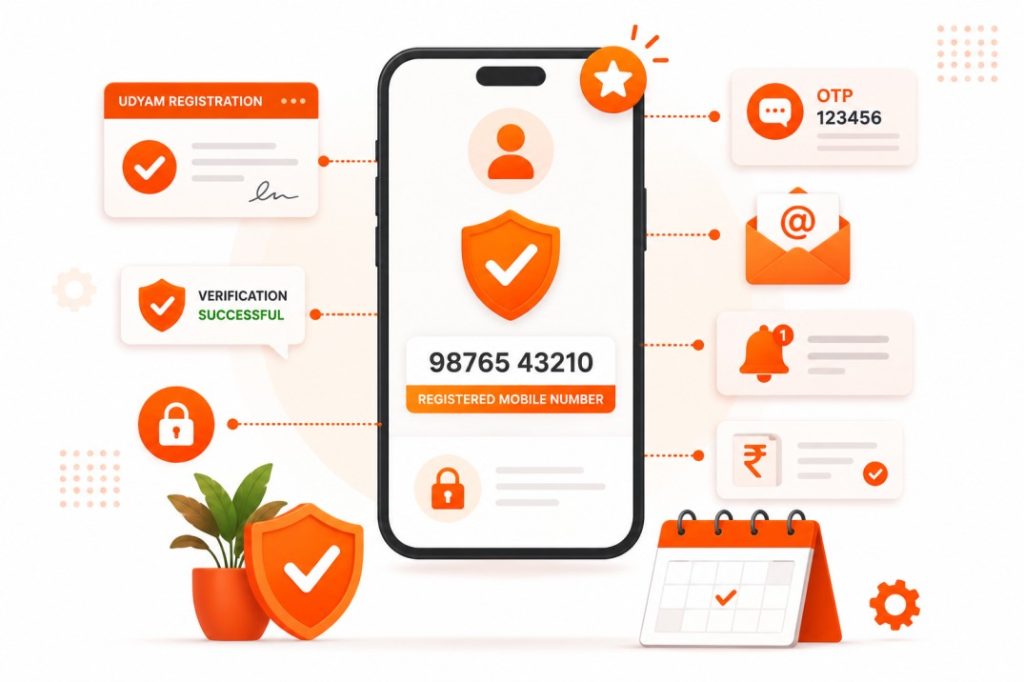
Udyam Registration ke dauran diya gaya mobile number verification aur communication ke liye use hota hai.
Main Uses:
✅ OTP Verification
✅ Status Check
✅ Certificate Download
✅ Registration Updates
✅ Official Communication
Isliye registered mobile number active rakhna bahut important hota hai.
Mobile Number Access Na Ho To Kya Problem Ho Sakti Hai?
Agar registered mobile number access me nahi hai to:
- OTP receive nahi hoga
- Status check me issue aa sakta hai
- Certificate download difficult ho sakta hai
- Registration update process delay ho sakta hai
Lekin iska matlab ye nahi ki aapki Udyam registration invalid ho gayi hai.
Forgot Mobile Number Situation Me Kya Karein?
Sabse pehle panic karne ki zarurat nahi hai.
Niche diye gaye points verify karein:
- Step 1: Purana Mobile Number Check Karein
Agar SIM active hai to usse recover karne ki koshish karein.
Kai baar same number telecom provider se dobara issue ho sakta hai. - Step 2: Registration Documents Check Karein
Purane:
1. Registration Emails
2. Udyam Certificate
3. Registration Records
check karein.
Kabhi-kabhi mobile number ki information waha mil sakti hai. - Step 3: Aadhaar Details Verify Karein
Udyam Registration Aadhaar verification se linked hoti hai.
Isliye Aadhaar-related details ready rakhein. - Step 4: Official Udyam Portal Visit Karein
Official Udyam portal par available support aur update options check karein.
Unofficial websites avoid karein. - Step 5: Required Business Information Ready Rakhein
Verification ke liye niche details ki zarurat pad sakti hai:
1. Aadhaar Number
2. PAN Details
3. Business Name
4. Registration Information - Step 6: Official Support Options Use Karein
Agar self-service options kaam na karein to official support channels use karein.
Verification ke baad appropriate guidance provide ki ja sakti hai.
Recovery Process Ke Liye Kya-Kya Ready Rakhein?
Required Details
- Aadhaar Number
- PAN Card Details
- Business Information
- Udyam Registration Information
Additional Requirements
- Active Mobile Number
- Email Access
- Identity Verification Documents
Accurate information process ko easy bana deti hai.
Common Mistakes Jo Avoid Karni Chahiye
Bahut se users ye mistakes karte hain:
- Fake recovery websites use karna
- Wrong Aadhaar details enter karna
- OTP kisi ke saath share karna
- Unofficial agents par blindly trust karna
- Business records maintain na karna
Ye mistakes future complications create kar sakti hain.

Important Safety Tips
- Sirf official Udyam portal use karein
- OTP kabhi kisi ko share na karein
- Aadhaar details confidential rakhein
- Registration documents ka backup rakhein
- Mobile number change hone par records update rakhein
Related Guides
Agar aap Udyam Registration ke baare me aur jaanna chahte hain to ye guides bhi padhein:
FAQs – Udyam Registration Forgot Mobile Number
- Udyam Registration Status Check Kaise Kare?
- Udyam Registration Certificate Download Kaise Kare?
- Udyam Registration Update Kaise Kare?
- Udyam Registration Number Kaise Nikale?
Final Words (Conclusion)
Ab aap samajh gaye honge ki agar Udyam Registration me registered mobile number bhool gaye ho ya access me na ho, to kin steps ko follow karna chahiye. Sabse important baat ye hai ki panic na karein aur sirf official Udyam portal aur official support options ka hi use karein.
Agar aapko Udyam Status Check, Certificate Download ya Registration Update process bhi samajhna hai, to FormSamajh ki related Udyam guides bhi zarur dekhein.