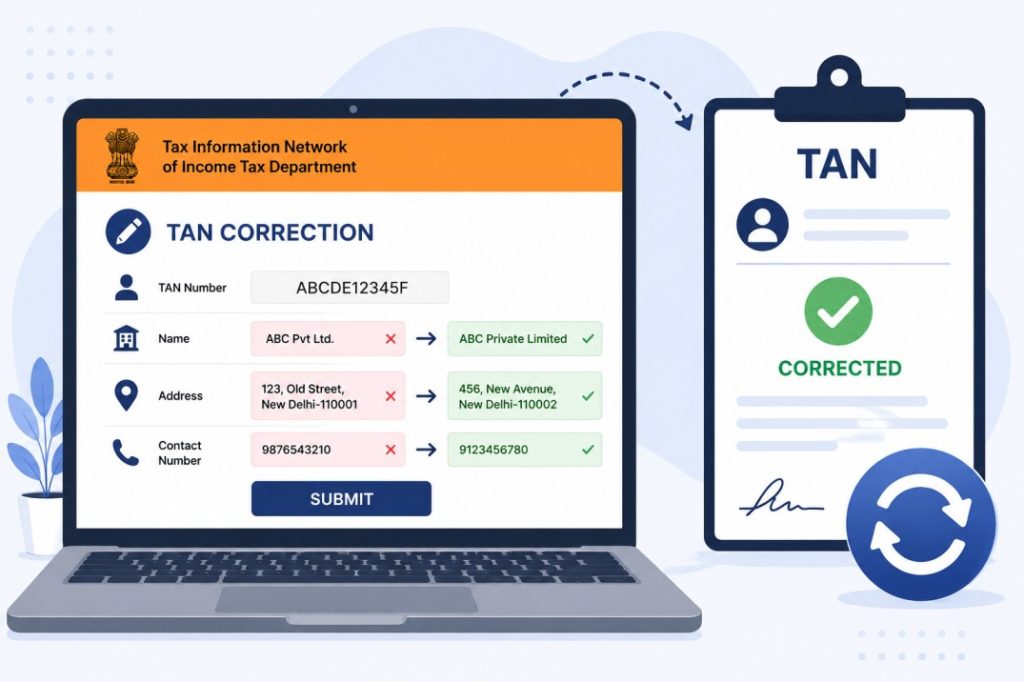

Kai baar application submit karte waqt typing mistake ho jaati hai ya business details baad mein update ho jaati hain. Aise cases mein TAN Correction Request submit karni padti hai.
Aksar log confuse ho jaate hain ki TAN allot hone ke baad agar naam, address, contact details ya anya information mein galti ho jaye to usse kaise correct kare.
Is guide mein hum Correction ka poora process step-by-step samjhenge.
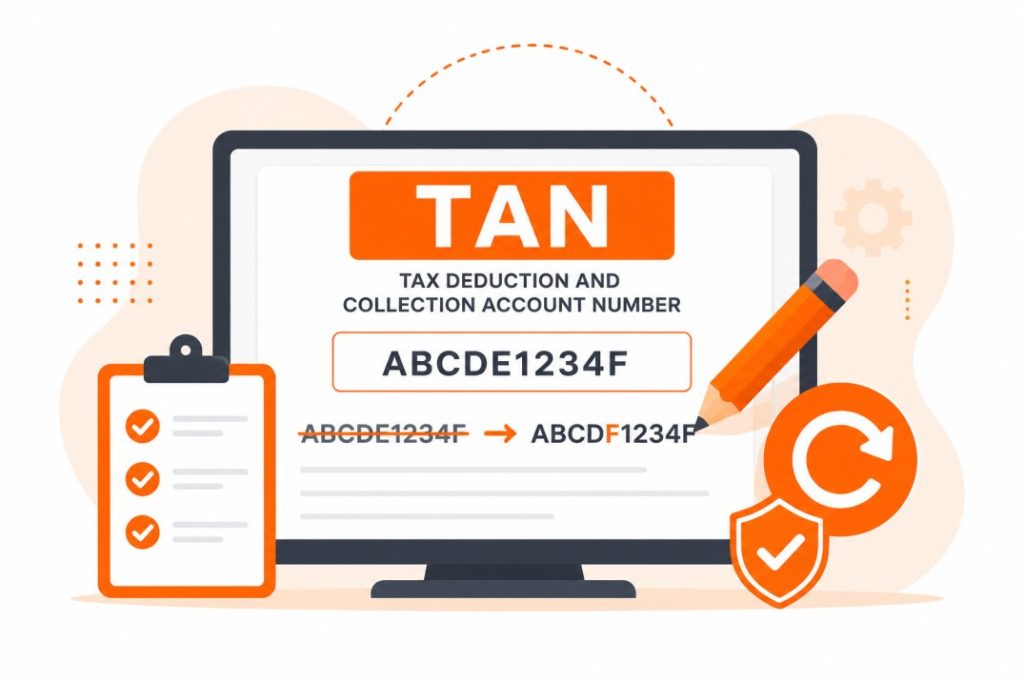
TAN Correction Kya Hota Hai?
TAN Correction ek official process hai jiske through aap existing TAN record mein galat ya purani details ko update kar sakte hain.
Correction request ke baad Income Tax Department records update kiye ja sakte hain.
TAN Correction Kab Karna Chahiye?
Aap TAN correction kar sakte hain agar:
- Organization Name galat ho
- Address change ho gaya ho
- Contact Details update karni ho
- Applicant information mein error ho
- Other TAN record details incorrect ho
TAN Correction Ke Liye Kya Chahiye?
Correction process ke liye:
| Existing TAN Number |
| Updated Information |
| Supporting Documents |
| Identity Proof (if applicable) |
| Address Proof (if applicable) |
TAN Correction Kaise Kare? Step-by-Step Process
- Step 1: TAN Correction Application Open Kare
Official TAN application portal par jaaye.
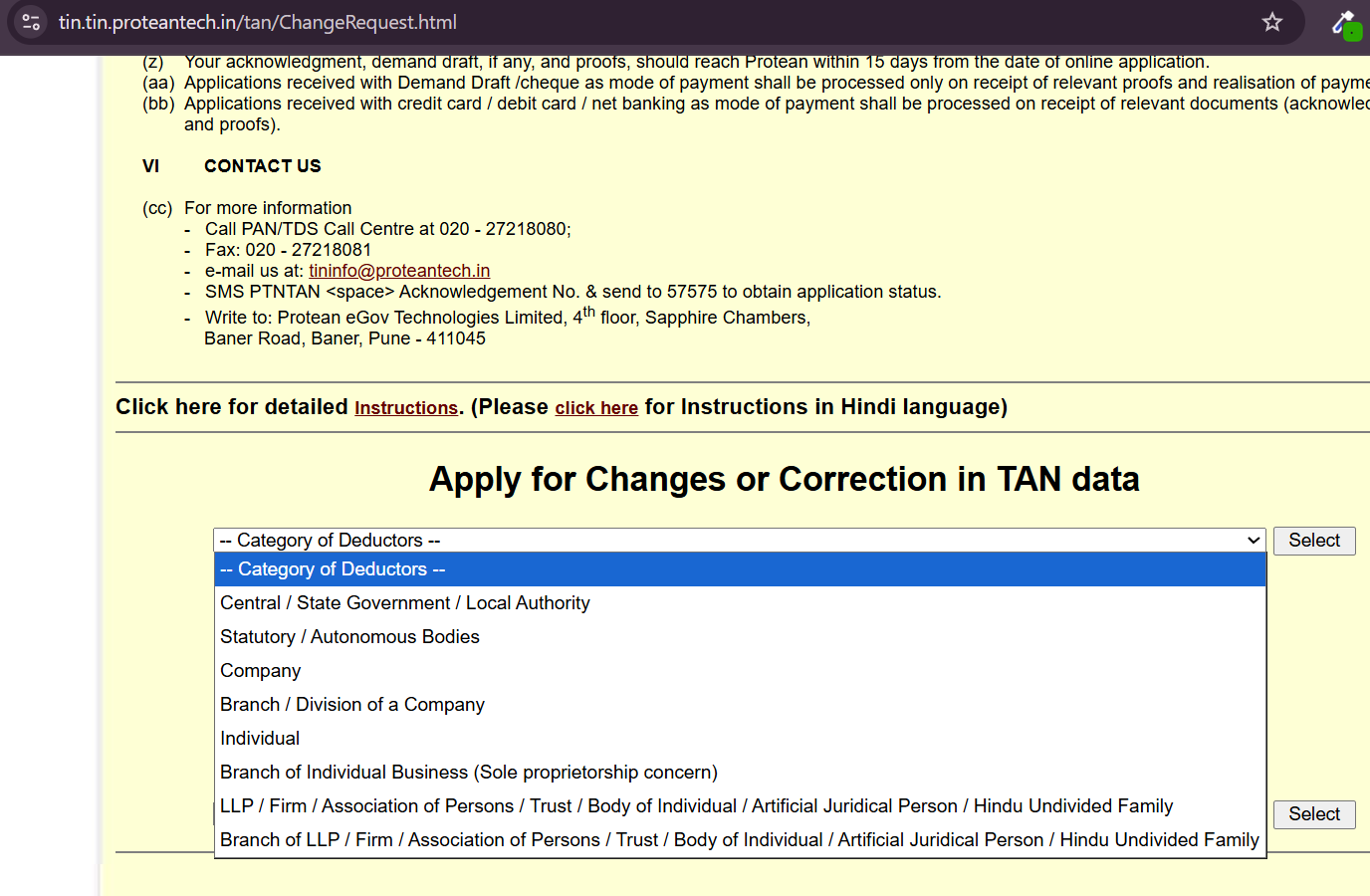
- Step 2: Releted Option Select Kare
Application type mein:
Change / Correction in TAN Data
option select kare. - Step 3: Existing TAN Number Enter Kare
Apna valid TAN number enter kare.
Example:
ABCDE12345 - Step 4: Correction Details Fill Kare
Jo information update karni hai usse accurately fill kare.
Jaise:
1. Name
2. Address
3. Contact Information
4. Other applicable details - Step 5: Required Documents Upload Ya Submit Kare
Applicable supporting documents attach kare.
- Step 6: Application Verify Kare
Sabhi details carefully verify kare.
- Step 7: Application Submit Kare
Submit karne ke baad acknowledgement number generate hoga.
Is number ko future tracking ke liye save kare.
Status Kaise Check Kare?
Correction application submit karne ke baad:
- TAN Status Tracking Portal open kare
- TAN – New / Change Request select kare
- Acknowledgement Number enter kare
- Status check kare
Correction Mein Kitna Time Lagta Hai?
Processing time application verification par depend karta hai.
Generally kuch working days lag sakte hain.
Correction Ke Fayde
| 1. Accurate Tax Records Income Tax records updated rehte hain. |
| 2. TDS Compliance Easy Hota Hai Future filings mein problems nahi aati. |
| 3. Official Information Correct Rehti Hai Business records accurate rehte hain. |
| 4. Communication Easy Hoti Hai Department se related notices sahi address par milte hain. |
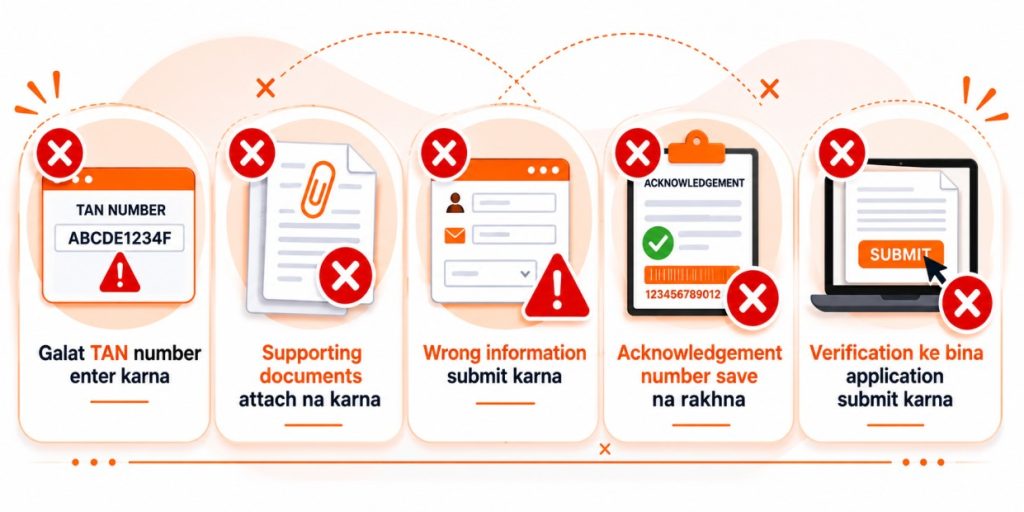
Common Mistakes
Important Tips
✅ Correction submit karne se pehle sab details verify kare
✅ Updated documents ready rakhe
✅ Acknowledgement number save kare
✅ Status regularly track kare
✅ Official records maintain kare

FAQs – Frequently Asked Questions
Related Guides
- TAN Registration Kaise Kare?
- TAN Status Check Kaise Kare?
- TAN Certificate Download Kaise Kare?
- GST Registration Kaise Kare?
- PAN Card Correction Kaise Kare?
Final Words (Conclusion)
Agar aapke TAN record mein koi galti hai ya information update karni hai to TAN Correction process ka use kar sakte hain. Sahi aur updated TAN records future TDS filing aur tax compliance ke liye bahut important hote hain. Upar diye gaye steps follow karke aap aasani se TAN correction request submit kar sakte hain.